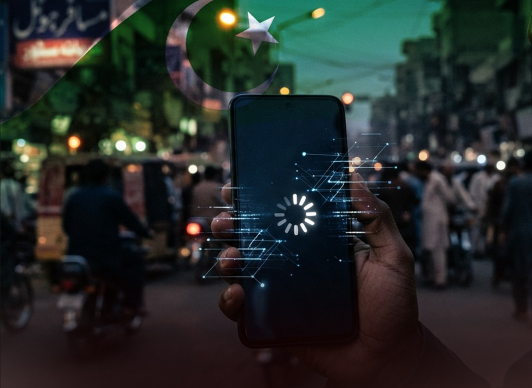




If your WhatsApp account has been temporarily blocked or you have been logged out, take the following steps immediately.
WhatsApp is one of the world’s most popular communication apps, with millions of people using it every day to stay in touch. Millions of users in Pakistan also use WhatsApp.
If your WhatsApp account has been temporarily blocked or you have been logged out and you are unable to access your account, there is no need to panic.
To protect your account and regain access, take the following immediate steps. These measures will not only help keep your account secure but may also help you regain access to it.
First, update your mobile phone. Install any available software or operating system updates on your phone and use only the official version of WhatsApp.
Also, make sure that the updated official version of WhatsApp installed on your phone was downloaded only from the Google Play Store or Apple App Store.
Do not use modified versions of WhatsApp. Keep your mobile phone secure, check for unknown or suspicious apps installed on the device, and remove unnecessary apps.
Android users should keep Google Play Protect turned on and, if necessary, consider performing a factory reset of their phone.
If you suspect that your account has been affected or compromised, first back up your data and consider performing a factory reset if necessary. If the issue persists, contact WhatsApp Support or reach out to the Pakistan Telecommunication Authority (PTA) for further information and guidance.
Also Read: WhatsApp to introduce floating navigation bar for users